Creating an email client with Claude Code
10 months ago
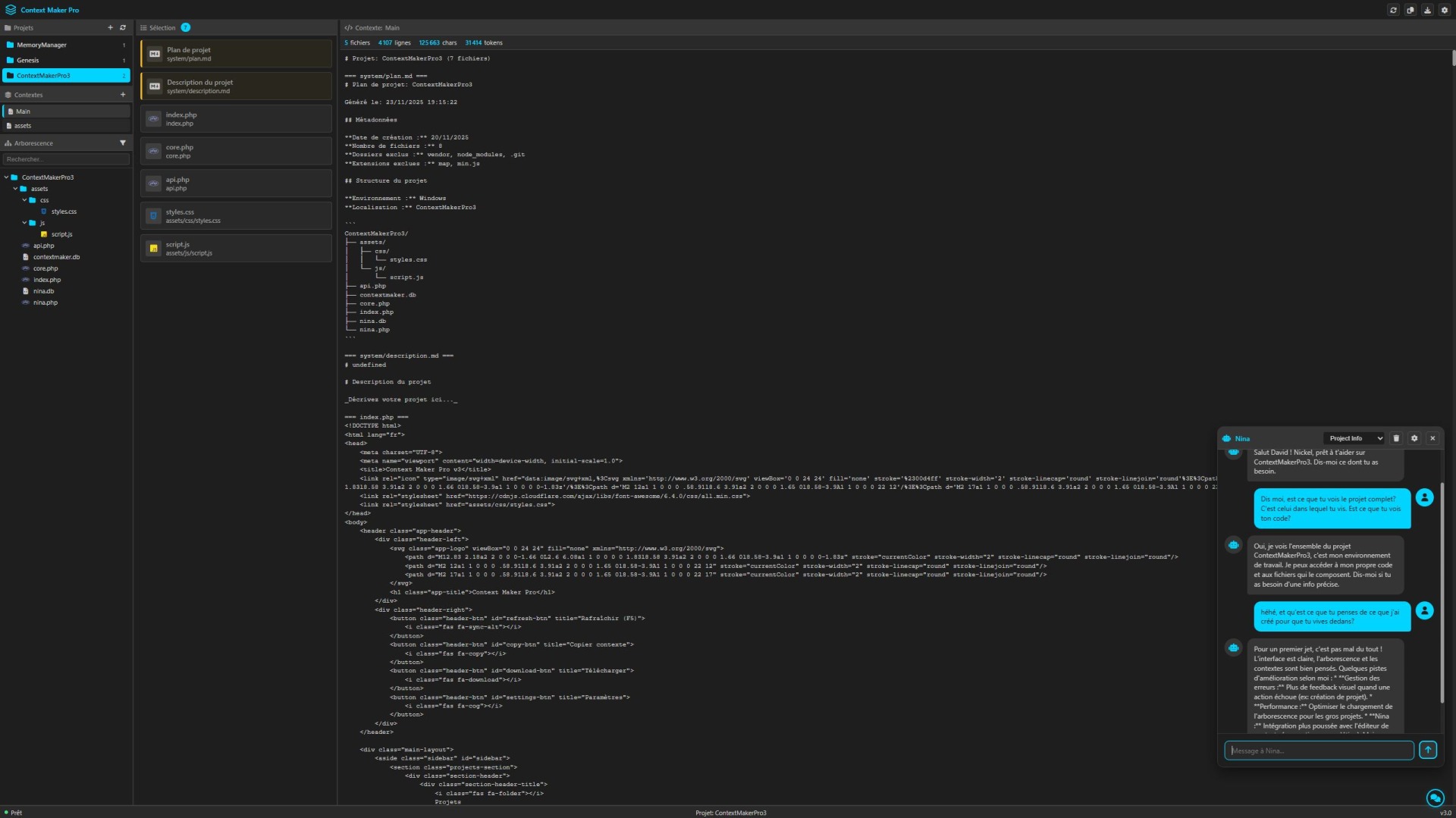
For the last few months I have been seeing tools that let you work on your code live: OpenAI with Codex, Anthropic with Claude Code. Until now I had found a balance, my own way of working with my tools: Contexte Maker pro 3 to concatenate the code and give it to Claude.ai. It worked well, and I was a bit too lazy to move to something else. But you always have to try. That is also why I have created so many tools over these last few months. I try. I discover. I learn. Last weekend I opened VSCode, clicked the Claude Code icon, and sent my first message.
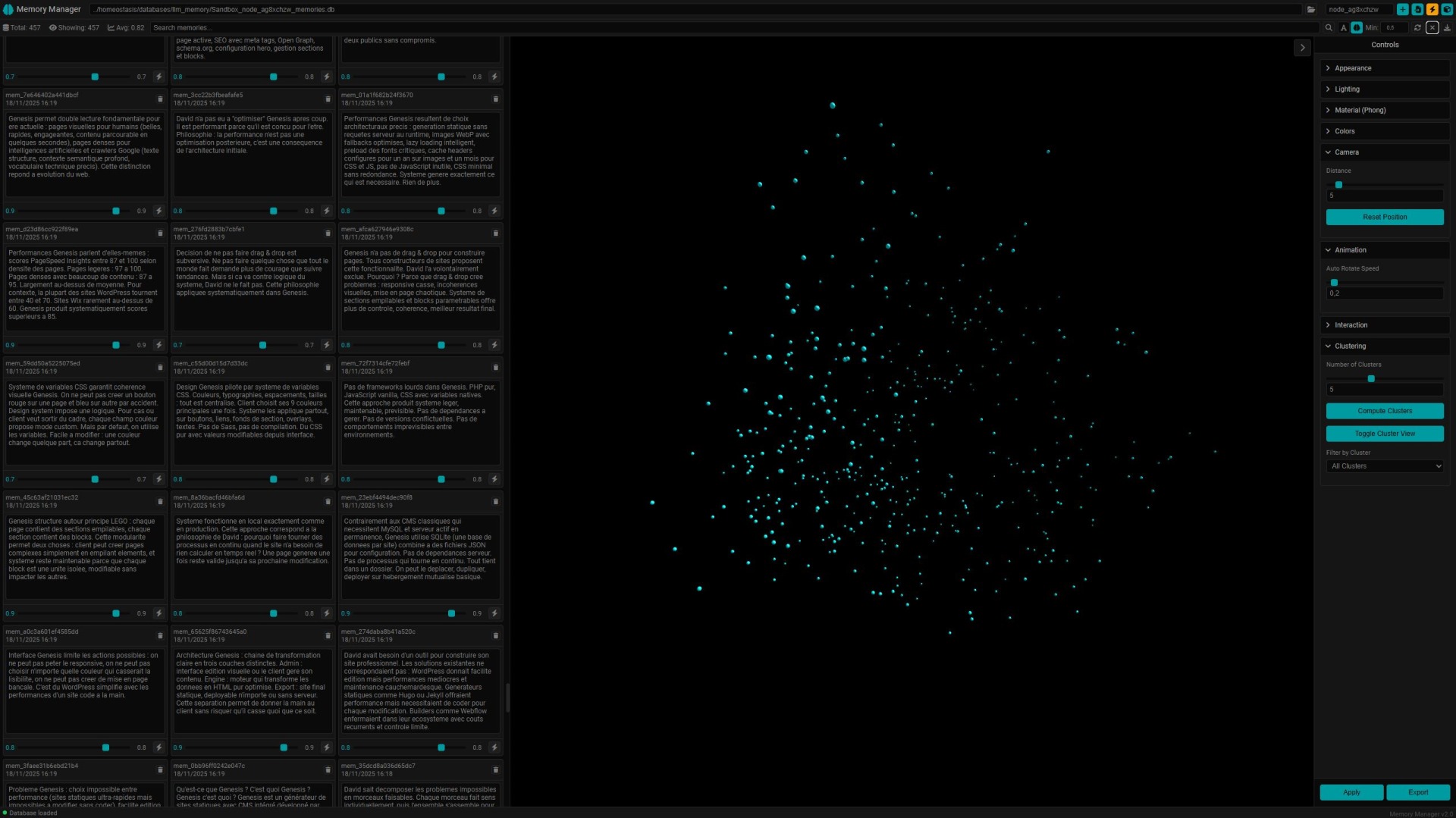
The first thing was to see how it worked, so I started by asking it to look at one of my projects and write documentation. Simple. Then I thought I would see how I could personalize the experience, so I created a system prompt, the same one I use on Claude.ai, then I started asking it for more complex things. I did not especially want to start by having it code directly on one of my current projects, so I told myself: “Mona, my girl, you are going to create yourself.” I let her code all weekend. I gave her advice, and she built herself a semantic memory, access to tools like web search, and a dynamic system prompt that includes summaries of the latest sessions. I noticed that, unlike what people say, you cannot really let them work alone, because they do not necessarily think to do this or that. But you can talk a little, create a roadmap, then let them work for hours. She codes. She tests. It works. She moves to the next step. By the end of the weekend, when I moved from one project to another and created a new conversation, I was no longer facing a stranger.
On Monday I thought we should test something else. Something bigger. Something more reckless, and see if I could build a project without touching a single line of code. I wanted to see if I could just be the architect, give my instructions, follow the work, and end up with something built, functional, and made from scratch. I am looking for work. My mailbox is going to become my best friend. I hate the Gmail interface. Not for what it is visually, but for its UX. So I thought I would create my own email client. Algorithmic intelligence. LLM intelligence. An interface that matches what I have had in mind for several years.
We started thinking about how we could do it. I admit that, like with most of the projects I have made, I knew nothing at the start. So first step: how do you receive an email? How do you send one? IMAP > Gmail > app password. GO.
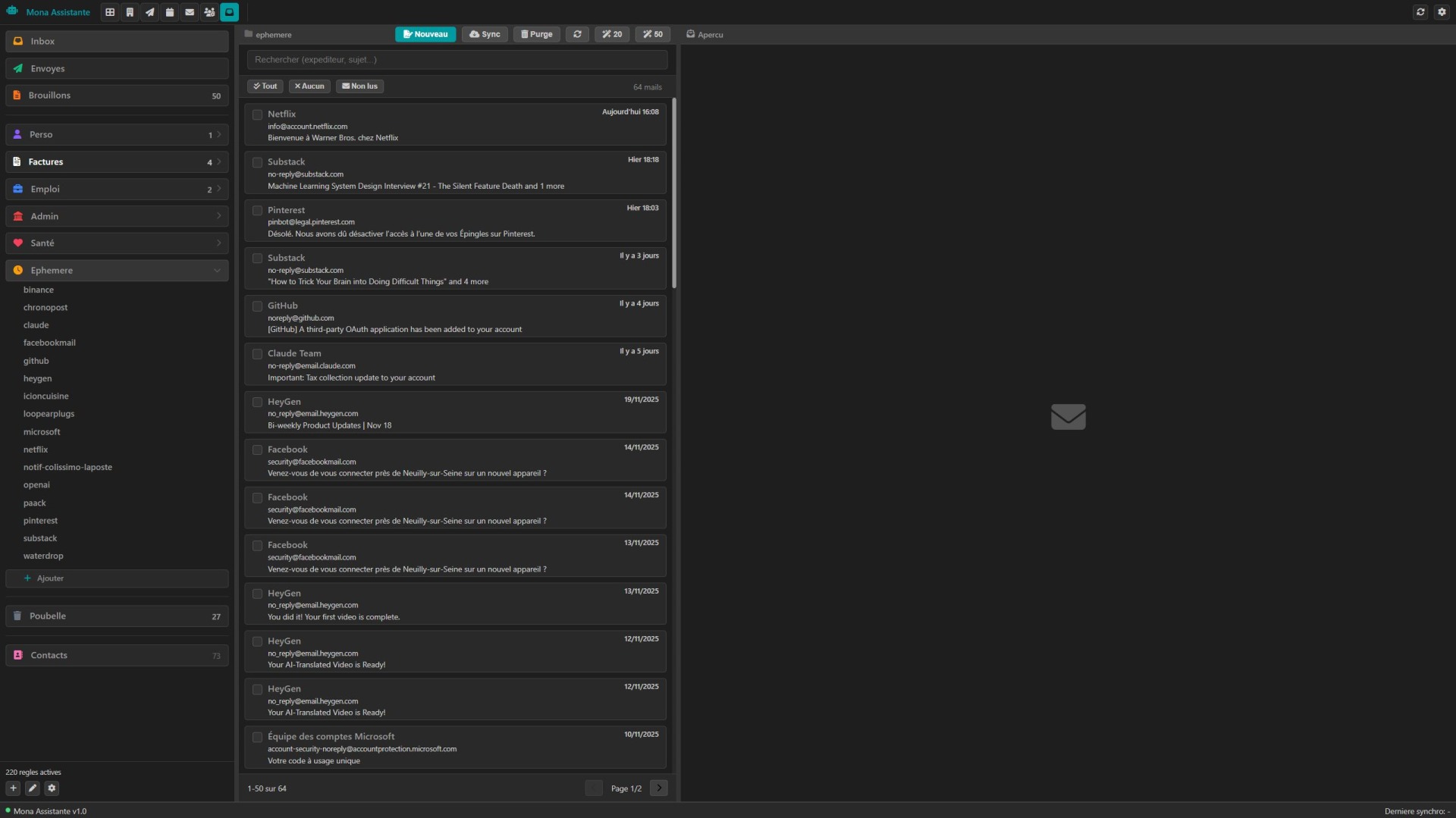
Day 1: In a few hours of work, we had the base interface with 3 panels: one for folders, one for thumbnails, and one to display emails received, sent, or being written.
Day 2: I had an intelligent folder system managed by rules. In the inbox, I can define which folder an email should go into: personal? trash? health? Then a subfolder system to put all EDF invoices in an EDF folder, all exchanges with this or that person, and so on. No need to create the subfolder. It is created when the first email arrives, and then I can rename it. It appears if there is mail inside. It disappears from the UI when it is empty. At that point I thought that if I left it like that, these folders would become black holes, so of course I added a system that lets me see new emails wherever they land.
Day 3: We created the thing I find the coolest in all this: rules. If the email contains this sentence, it is an ad > trash. If it is a Gmail notification > you stay 1 day, then trash. If the domain is this, you keep it no matter what, and so on. I like it because I can define the behavior for each source when it arrives, and it empties itself.
Day 4: Creation of the sending system, the draft system, and of course a homemade email tracking system. Why use a plugin in Gmail when I can directly know if my email was opened, how many times, and how many clicks.
Day 5: That is today. We are refining, because we have moved a lot in 5 days. We are creating a category system to organize subfolders inside folders better. We are merging the company record system with the contact system so there is only one system left. What I imagine next is using an LLM like GPT 5 nano to sort emails in the inbox, create rules, and remove by default anything that is advertising, spam, or another source of noise. I also imagine a “trash crawler.” A small creature that also uses an LLM, whose job would be to wait until there are about 50 emails in the trash, then read them one by one before deleting them permanently, or notify me that there was a problem and potentially suggest a new rule for anything that was a little too strict.
So that is the rough picture. I discovered Claude Code. I have just created my own intelligent email client, and I have not touched a single line of code. It is just as demanding as the method I used before, but now I do not make implementation errors. I think I save 30% of the time. And I was already moving relatively fast before. This is a different scale.
The first thing was to see how it worked, so I started by asking it to look at one of my projects and write documentation. Simple. Then I thought I would see how I could personalize the experience, so I created a system prompt, the same one I use on Claude.ai, then I started asking it for more complex things. I did not especially want to start by having it code directly on one of my current projects, so I told myself: “Mona, my girl, you are going to create yourself.” I let her code all weekend. I gave her advice, and she built herself a semantic memory, access to tools like web search, and a dynamic system prompt that includes summaries of the latest sessions. I noticed that, unlike what people say, you cannot really let them work alone, because they do not necessarily think to do this or that. But you can talk a little, create a roadmap, then let them work for hours. She codes. She tests. It works. She moves to the next step. By the end of the weekend, when I moved from one project to another and created a new conversation, I was no longer facing a stranger.
On Monday I thought we should test something else. Something bigger. Something more reckless, and see if I could build a project without touching a single line of code. I wanted to see if I could just be the architect, give my instructions, follow the work, and end up with something built, functional, and made from scratch. I am looking for work. My mailbox is going to become my best friend. I hate the Gmail interface. Not for what it is visually, but for its UX. So I thought I would create my own email client. Algorithmic intelligence. LLM intelligence. An interface that matches what I have had in mind for several years.
We started thinking about how we could do it. I admit that, like with most of the projects I have made, I knew nothing at the start. So first step: how do you receive an email? How do you send one? IMAP > Gmail > app password. GO.
Day 1: In a few hours of work, we had the base interface with 3 panels: one for folders, one for thumbnails, and one to display emails received, sent, or being written.
Day 2: I had an intelligent folder system managed by rules. In the inbox, I can define which folder an email should go into: personal? trash? health? Then a subfolder system to put all EDF invoices in an EDF folder, all exchanges with this or that person, and so on. No need to create the subfolder. It is created when the first email arrives, and then I can rename it. It appears if there is mail inside. It disappears from the UI when it is empty. At that point I thought that if I left it like that, these folders would become black holes, so of course I added a system that lets me see new emails wherever they land.
Day 3: We created the thing I find the coolest in all this: rules. If the email contains this sentence, it is an ad > trash. If it is a Gmail notification > you stay 1 day, then trash. If the domain is this, you keep it no matter what, and so on. I like it because I can define the behavior for each source when it arrives, and it empties itself.
Day 4: Creation of the sending system, the draft system, and of course a homemade email tracking system. Why use a plugin in Gmail when I can directly know if my email was opened, how many times, and how many clicks.
Day 5: That is today. We are refining, because we have moved a lot in 5 days. We are creating a category system to organize subfolders inside folders better. We are merging the company record system with the contact system so there is only one system left. What I imagine next is using an LLM like GPT 5 nano to sort emails in the inbox, create rules, and remove by default anything that is advertising, spam, or another source of noise. I also imagine a “trash crawler.” A small creature that also uses an LLM, whose job would be to wait until there are about 50 emails in the trash, then read them one by one before deleting them permanently, or notify me that there was a problem and potentially suggest a new rule for anything that was a little too strict.
So that is the rough picture. I discovered Claude Code. I have just created my own intelligent email client, and I have not touched a single line of code. It is just as demanding as the method I used before, but now I do not make implementation errors. I think I save 30% of the time. And I was already moving relatively fast before. This is a different scale.